


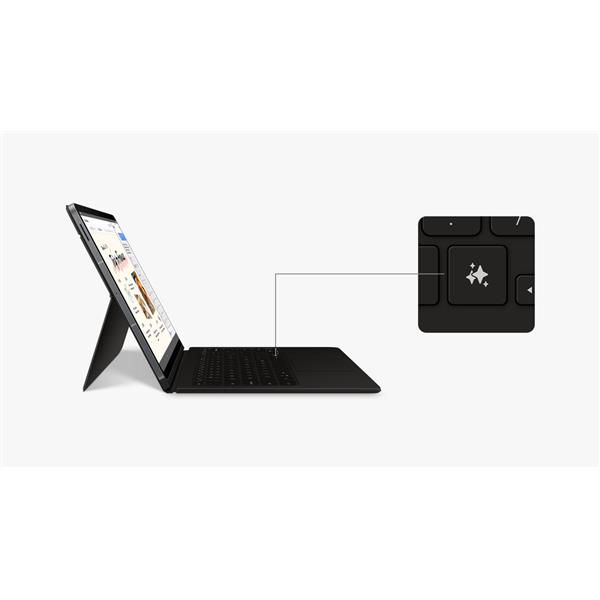
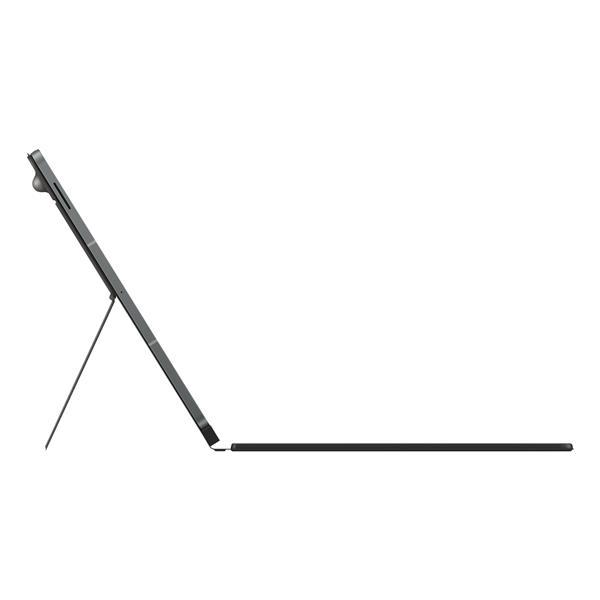


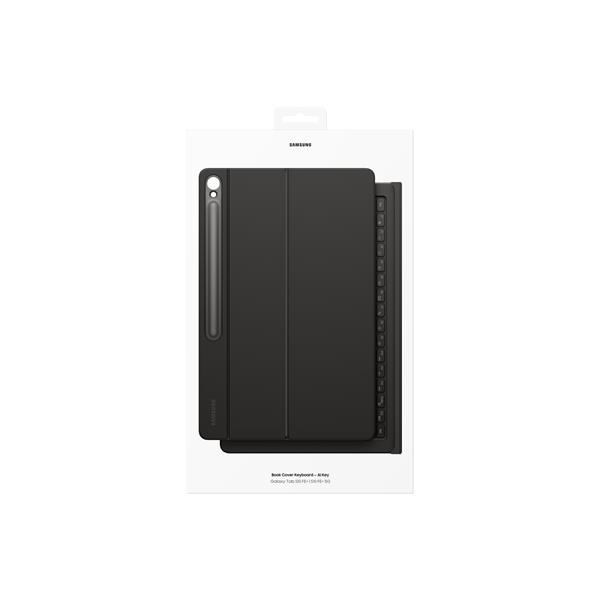
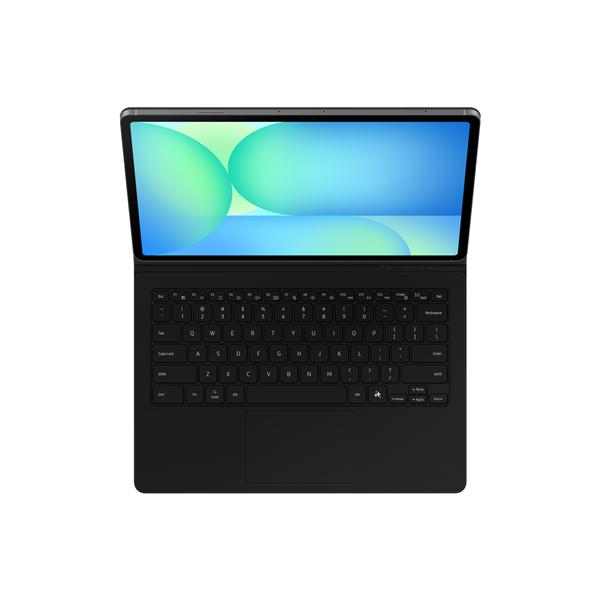



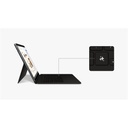
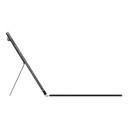


Samsung Galaxy Tab S10 FE+ Book Cover Keyboard — AI KeyJust one button is enough to discover all the magic of AI With the Galaxy AI button you can easily access the AI-powered assistant, Bixby or Gemini. All you have to do is press the appropriate button and the AI will immediately be at your service to help you do everything you need. Book Cover Keyboard With Book Cover Keyboard you can do everything in a few simple steps. The keyboard and trackpad, along with DeX mode, provide a PC-like experience with a simple tap. Easy to use thanks to the magnetic attachment Thanks to the magnetic attachment design, you can easily attach and detach the back cover to personalize your device. Choose the cover you prefer based on your daily needs. Rotation up to 150° You can rotate the Book Cover Keyboard up to 150° to do everything you need with maximum freedom. It only takes a moment to change angles and find the ideal position to send emails, write a post, study and carry out other activities. Increase your productivity with wireless sharing With wireless keyboard sharing you can easily connect to other Galaxy devices and have them immediately available. Switch between devices in an instant and use your phone as if it were a tablet. All it takes is one button to discover the magic of AI. With the Galaxy AI button you can easily access the AI-based assistant, Bixby or Gemini. All you have to do is press the appropriate button and the AI will immediately be at your service to help you do everything you need. With Book Cover Keyboard you can do everything in a few simple steps. The keyboard and trackpad, along with the DeX mode, offer a PC-like experience with a simple touch. Easy to use thanks to the magnetic attachment Thanks to the magnetic attachment design, you can easily attach and detach the back cover to personalize your device. Choose the cover you prefer based on your daily needs. Rotation up to 150° You can rotate the Book Cover Keyboard up to 150° to do everything you need with maximum freedom. It only takes a moment to change angles and find the ideal position to send emails, write a post, study and carry out other tasks. Increase your productivity with wireless sharingWith wireless keyboard sharing you can easily connect to other Galaxy devices and have them immediately available. Switch between devices in an instant and use your phone as if it were a tablet.
Book cover Keyb S10 FE+
This product is no longer available.
BOOK COVER KEYB S10 FE+
Specifications for Book cover Keyb S10 FE+
| Specific | |
|---|---|
| Material | N.D. |
| Size | |
| Weight | 578 gr |
| General | |
| Specific type | Keyboard case |
| Primary color | nero |
| Connectors | |
| Connector type 1 | Nessuno |
| Compatibility | |
| Dedicated | Sì |