
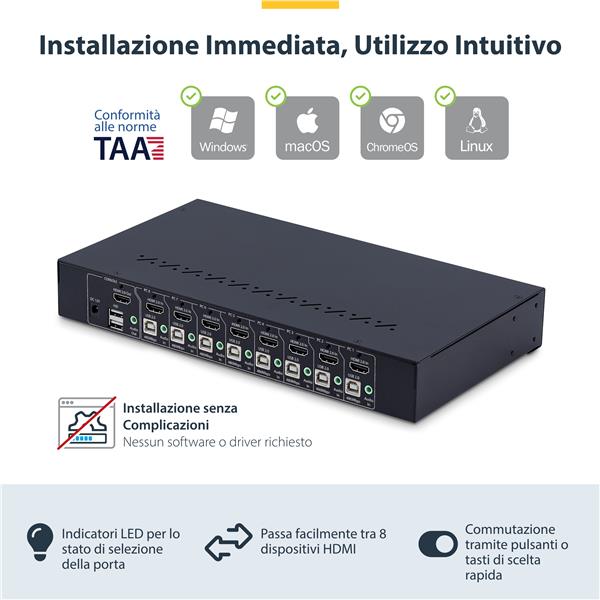
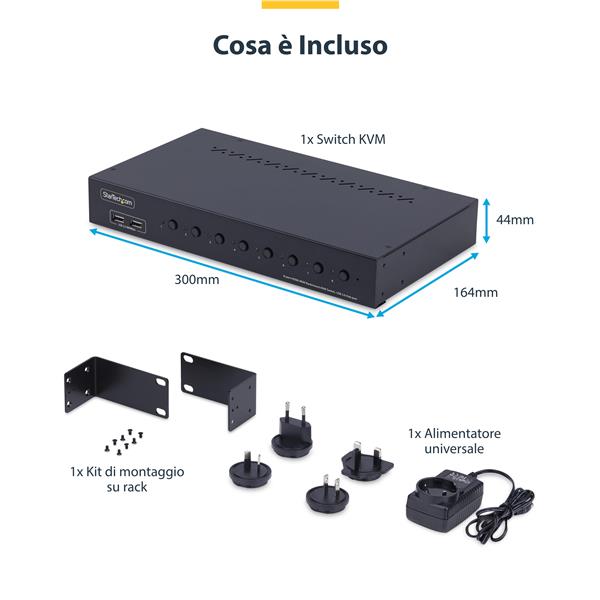
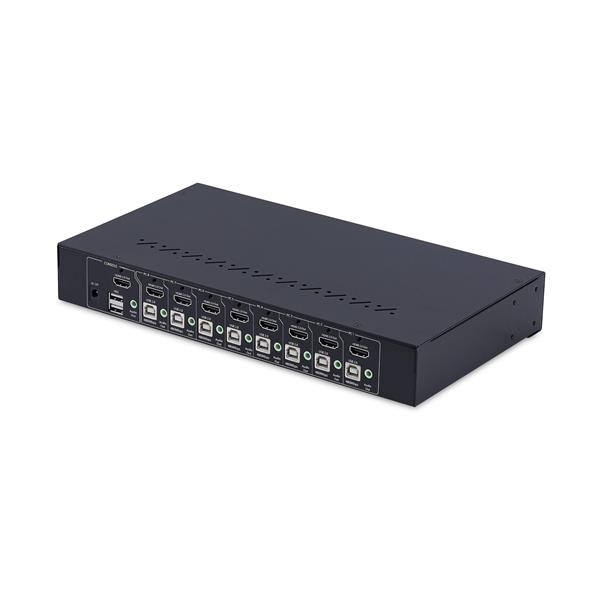

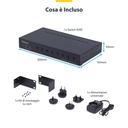
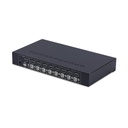
StarTech.com 8-Port HDMI KVM Switch with 1U Rack Kit, 4K 60Hz HDMI 2.0, 4-Port USB Hub, Hotkey Switching, OS Independent, TAA Control up to eight USB and HDMI-enabled computers from a single 4K 60Hz HDMI keyboard, mouse and monitor The 4K 60Hz KVM Switch with Rack Mount Kit lets you switch between HDMI-equipped computers, sharing a keyboard, mouse, audio, 4-port USB 2.0 hub, and a 4K 60Hz HDMI 2.0 monitor. It allows for effortless management of multiple systems, better workspace optimization and greater productivity. No drivers or software The TAA-compliant 8-Port HDMI KVM Switch is universally compatible, providing BIOS-level control and working with any operating system, including Windows, Windows ARM, macOS, ChromeOS, and Linux. It is also compatible with all hardware platforms such as Intel, AMD, SnapDragon/ARM and Apple Silicon. Multiple Switching Options It provides effective and simple operation for managing multiple servers with button or hotkey switching, an audible buzzer for confirmation and LEDs for quick display of port selection status. Complete with Rack Mounting Kit The KVM switch is a space-saving solution for managing multiple servers directly in one rack. Includes 1U brackets for rack cabinet mounting and is compatible with 19-inch server racks with a mounting depth of more than 165mm. It also complies with ANSI/EIA RS-310-D standards. To ensure you have the freedom to choose the best cables for your specific installation, the KVM switch does not include cables. StarTech.com offers a wide variety of HDMI, USB, and 3.5mm audio cables in assorted lengths to meet your different installation needs. Improve productivity and device management with the StarTech.com Connectivity Tools application Developed to improve performance and security, StarTech.com Connectivity Tools is the only software suite on the market that works with a broad range of IT connectivity accessories. The software suite includes: - Advanced Window Layout Utility: Setting and Saving Custom Window Layouts. . For more information and to download the StarTech.com Connectivity Tools application, visit: www.startech.com/connectivity-tools The StarTech.com Advantage
KVM SWITCH HDMI A 8 PORTE
KVM Switch HDMI a 8 Porte con Kit Rack 1U 4K60Hz HDMI 2.0
Specifications for KVM SWITCH HDMI A 8 PORTE
| USB | Sì |